Ask for time off
Ask for days off, check your balance, and see who sees it.

Click My Time Off, pick the type and your days, and press Send for approval. Teammates only see that you're away.
Ask for days off
Step 1: Open My Time Off
- Click My Time Off in the sidebar.
- Check Your balance to see what's left this year.
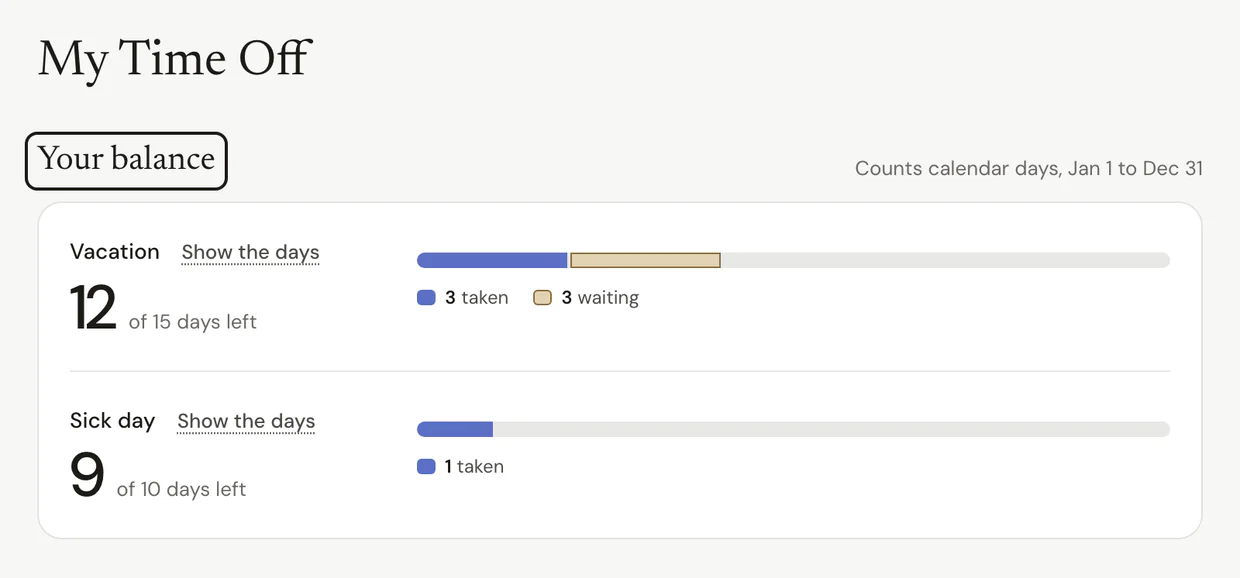
Step 2: Pick your days
- Under Ask for time off, choose a Type, like Vacation or Sick day. Your team picks the types.
- Pick the first day, then the last day.
- Add a note if it helps. It's optional.
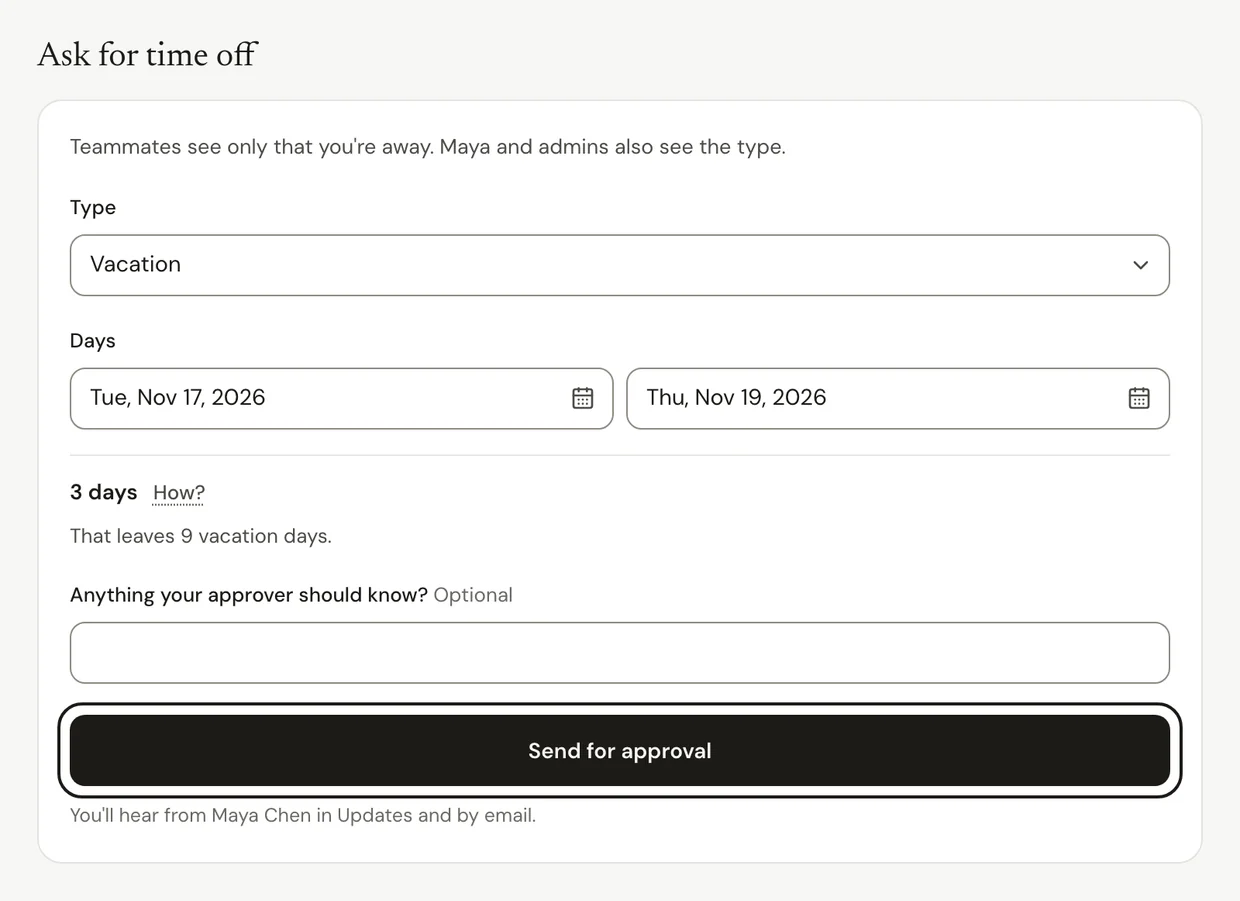
Step 3: Send it
- Press Send for approval.
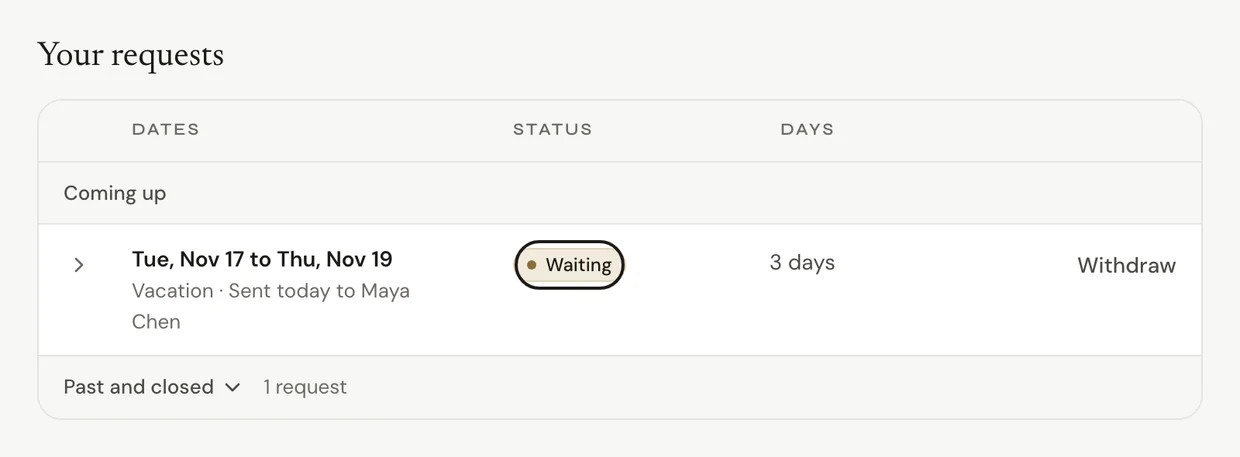
It shows under Your requests as waiting. The person you report to answers in Updates and by email. Once it's approved, the days go on your schedule.
Common questions
Q: Who sees my time off?
Teammates only see that you're away. Your manager and admins also see the type. Any note you add goes to whoever approves it. If your team keeps time off private, teammates don't see your days at all.
Q: Can I change my mind?
Yes. Open the request under Your requests. Press Withdraw if it hasn't been answered yet, or Cancel these days if it was approved.
Q: Can I ask for a day that already passed?
No. Requests are for today and later. If you were off on a day you meant to work, talk to the person who approves your time.
Q: Where do holidays come from?
Owners and admins add them in Settings > Time off and holidays. They show on everyone's schedule.
What's next?
Need help? Go to Settings > Help and support and press Open chat, or email us at support@ruam.ai.